What your readers can do with it
Second moment of area problems are marked on the method: the table of areas, centroid distances, A·y and A·d² terms that leads to the answer. The moment of inertia calculator produces that table, so a student can check their own row by row instead of only comparing the final number.
- 11 single shapes: rectangle, box, circle, tube, semicircle, triangle, I-beam (equal or unequal flanges), T-section, channel, angle and Z-section.
- Built-up sections from parts placed by coordinates, with rotate, mirror and holes, and rolled shapes typed in from a steel table.
- Results: area, centroid, Ix, Iy, Ixy, principal axes, section moduli and radius of gyration, in mm, cm, m or inches.
- A drawing of the section with its centroid, and a Print button for a clean working sheet.
Where it fits
A statics course page can embed it under the parallel axis theorem, with a T-section or a channel for students to work by hand first. Structural engineering blogs can use it beside a comparison of beam shapes, where readers change the flange width and see the section modulus move. It also helps FE and GATE candidates, who are expected to find a centroid and I by hand in a few minutes.
Suggested size
The default frame is 1,200 px high and up to 1,100 px wide, which fits the shape picker, the inputs, the drawing and the area and centroid results. The full working table and the remaining results take the tool to about 2,720 px at that width, so they scroll inside the frame. If your page is about the method, set 2,000 px or more so readers see the table without scrolling twice. On a phone everything stacks to about 4,300 px; there the frame scroll is unavoidable.
Open it on an I-beam
A link sets the shape and its dimensions. This one opens a symmetric I-beam 200 mm wide and 300 mm deep, with 15 mm flanges and a 10 mm web:
https://widemath.com/embed/moment-of-inertia-calculator/?shape=ibeam&b=200&h=300&tf=15&tw=10
The widget gives an area of 8,700 mm², the centroid at mid-depth (150 mm), Ix = 138.35 × 10⁶ mm⁴ and Iy = 20.023 × 10⁶ mm⁴. Built-up sections work too, with parts=, for example ?parts=ibeam:200,15,300,10@0,0;rect:250,12@-25,300&u=mm for the same beam with a cover plate.
Add it in three steps
- Load the beam or keep the default T-section, set the height for your page, and press Copy embed code.
- Paste it into your course page or post as HTML.
- Give the dimensions of one more section in your text for readers to try on their own.
Frequently asked questions
Does it show the parallel axis working?
Yes. The working table lists each part's area, centroid distance, A·y, its own I and the A·d² term, then sums them, the same layout as an exam answer.
Why does a rolled steel section in my table show a slightly larger I?
The shapes here have sharp corners. Rolled sections have root fillets that add a little area and stiffness, so published values run slightly higher. For design, use the values in your code or supplier table, as the note at the bottom of the widget says.
Does changing the unit convert my numbers?
No. The unit relabels everything, so a section typed in mm gives I in mm⁴. Choose the unit first, then type the dimensions in that unit.
More calculator widgets
Want the explanations and worked examples as well? They are on the full Moment of Inertia Calculator page. All 24 widgets, each with a Copy code button, are in the calculator widget gallery.
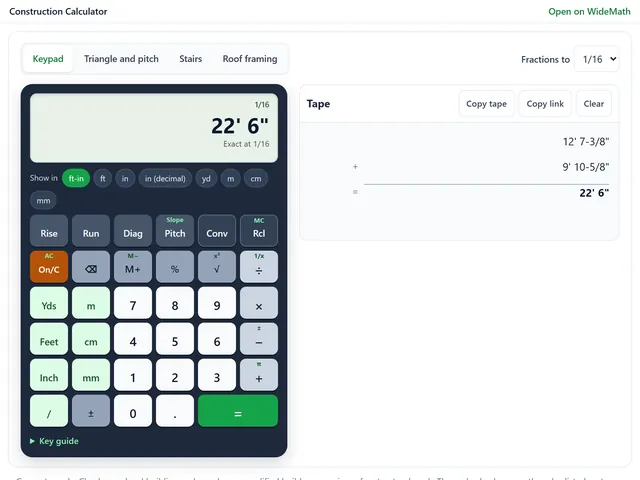
Construction Calculator
Feet, inches and fractions on a Construction Master style keypad, plus stairs and rafters.
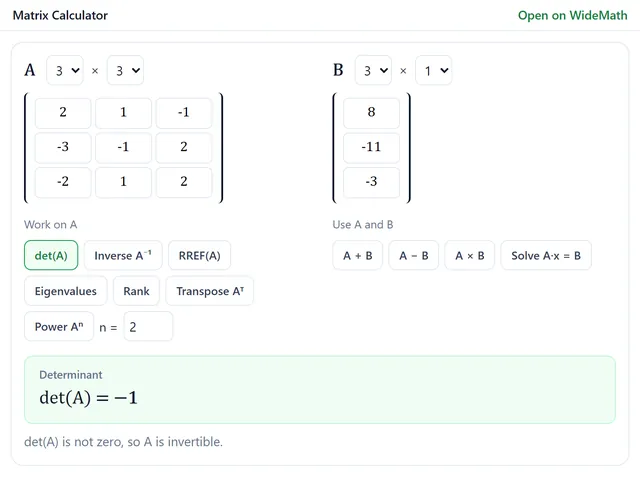
Matrix Calculator
Exact-fraction determinants, inverses, RREF and eigenvalues up to 6 × 6, with every row operation.
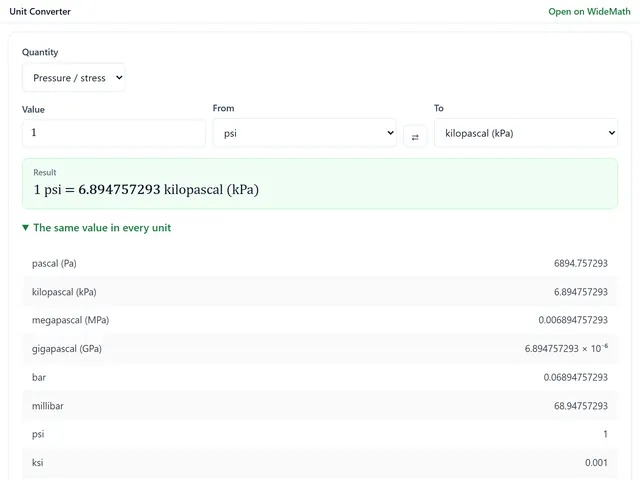
Unit Converter
19 engineering quantities, every unit at once, and a free-form box for compound units.