What your readers can do with it
Row reduction by hand is long, and one slip early on ruins every line after it. The matrix calculator lets a student find that slip: it lists each row operation with the matrix after it, in exact fractions, so they can compare their working line by line.
- Matrices up to 6 × 6, entered as whole numbers, decimals such as 0.25 (read as 1/4) or fractions such as 2/3.
- Determinant, inverse, RREF, rank, transpose, eigenvalues and powers Aⁿ, with n from −20 to 50.
- A second matrix B for A + B, A − B, A × B and for solving A·x = B.
- Row operations under the result for RREF, the inverse and Solve.
Where it fits
The widget suits a first course in linear algebra: under a worked Gaussian elimination example, beside an exercise set on inverses, or in a post that explains why a zero determinant means no inverse. It is also handy on an engineering page about systems of equations, such as mesh currents or truss joints, where readers want to check a 3 × 3 solve without installing anything.
Suggested size
The default frame is 720 px high and up to 960 px wide, enough for two 3 × 3 matrices, the buttons and a short result. Row operations for a 4 × 4 or larger matrix run long and scroll inside the frame, so a page about RREF reads better at 1,000 px or more. On a phone, matrix A sits above matrix B and the default tool is about 760 px tall.
What it opens on
The widget opens on a 3 × 3 system: A has rows (2, 1, −1), (−3, −1, 2) and (−2, 1, 2), and B is the column (8, −11, −3). The determinant, −1, is already shown, and pressing Solve A·x = B gives x = 2, y = 3, z = −1 with each row operation. That makes a ready-made first exercise. The widget does not read a matrix from its address yet, so for your own example, give readers the entries beside the frame and let them type them in.
Add it in three steps
- Pick a height (taller for RREF lessons) and press Copy embed code.
- Paste it into the page's HTML: a Custom HTML block in WordPress, the HTML editor in Canvas, or a Moodle page in HTML view.
- Next to it, write the operation to try first, for example "Press Solve A·x = B and read the row operations."
Frequently asked questions
Does the widget give exact fractions?
Yes. Whole numbers, decimals and fractions are worked as exact fractions. Only an irrational entry such as sqrt(2) or pi switches the calculation to decimals.
How large a matrix can readers enter?
Up to 6 rows and 6 columns, set with the two drop-downs above each matrix.
Can it solve a system of equations?
Yes. Put the coefficients in A and the right-hand sides in B as one column, then press Solve A·x = B. The row operations show how the answer was reached.
More calculator widgets
Want the explanations and worked examples as well? They are on the full Matrix Calculator page. All 24 widgets, each with a Copy code button, are in the calculator widget gallery.
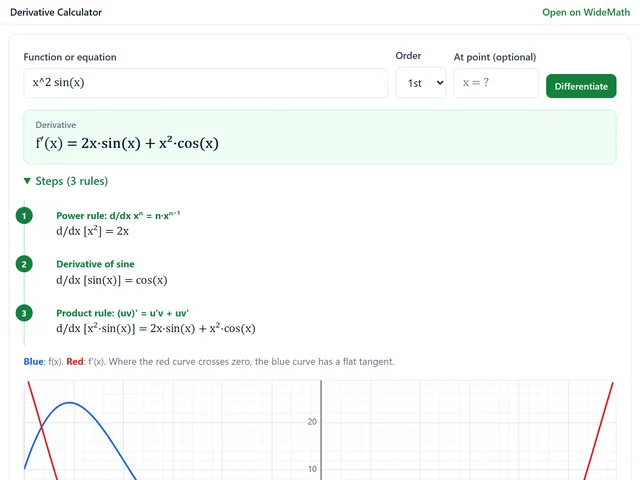
Derivative Calculator
Derivatives with every rule named, higher orders, partials, implicit dy/dx and tangent lines.
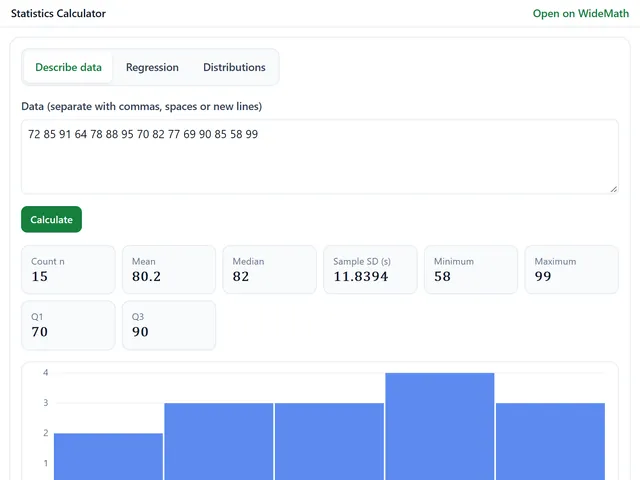
Statistics Calculator
Mean, SD, quartiles, regression with R², and normal, t, chi-square and F probabilities.
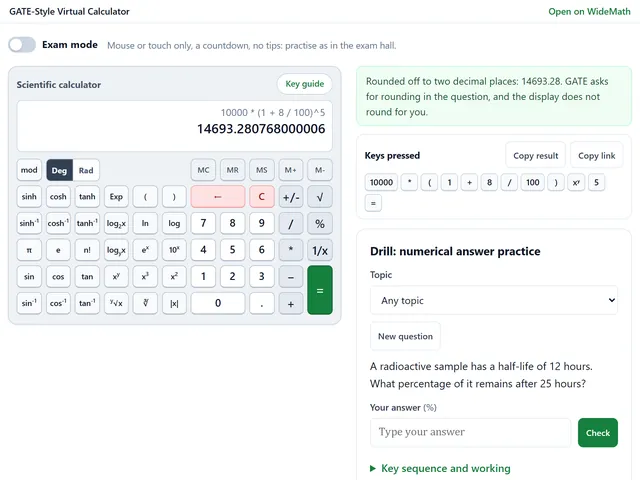
GATE-Style Virtual Calculator
The GATE exam's on-screen key order, with an exam mode and numerical answer drills.