What your readers can do with it
Most answer checkers give the derivative and stop. The derivative calculator lists the steps a teacher would mark: which rule, applied to which piece, and what that piece became. For x² sin(x) the steps read power rule, derivative of sine, then product rule, ending at 2x·sin(x) + x²·cos(x).
- Orders 1 to 5, each with its own list of steps.
- Partial derivatives: with more than one letter, readers choose the variable and the rest are held constant.
- Implicit differentiation: type an equation such as x^2 + y^2 = 25 to get dy/dx.
- At a point: the value of f and f', and the tangent line for a first derivative.
- A graph of f in blue and f' in red, so readers see that f has a flat tangent wherever f' crosses zero.
Where it fits
Put it at the end of a lesson on the chain rule or the quotient rule, with three practice functions for readers to try. Tutors can use it in a "check your homework" page, where the named steps show a student exactly where their working split from the right one. It is also a good fit beside an optimisation example, using the At point box to find the slope at a candidate answer.
Suggested size
The default frame is 940 px high and up to 960 px wide. That fits the input row, the answer, the steps for a typical first derivative and the graph. A long function with many steps, or a higher order, makes the steps list longer and it scrolls inside the frame; 1,100 px gives more room. On a phone the tool is about 1,050 px tall, so the same 1,100 px works there too.
What it opens on
The widget always opens on x² sin(x), already differentiated, so a reader sees a finished example before typing anything. It does not read a function from its address yet, which means a link cannot open it on your own example. Write the function you want next to the widget instead, for example: "Now type e^(2x)/x and press Differentiate." The quotient rule steps appear at once. If you need a fixed example in the frame itself, tell us at [email protected].
A typing tip worth repeating to readers: put every function's argument in brackets. 3 sin(x) is read the way you mean it, 3sin x is not.
Add it in three steps
- Press Copy embed code above (raise the height first if you teach higher orders).
- Paste it under your examples: Custom HTML in WordPress, the HTML view in Moodle, or Embed code in Google Sites.
- Add two or three functions for readers to type, ideally one for each rule in your lesson.
Frequently asked questions
Does the widget show the steps or just the answer?
It shows the steps. Each line names the rule, shows the piece of the function it applies to and the result, from the first rule to the last, under a Steps heading readers can collapse.
Can it do implicit differentiation?
Yes. Type an equation with x and y, such as x^2 + y^2 = 25, and it returns dy/dx with the working.
Can I make it open on my own function?
Not yet. The widget opens on x² sin(x) every time. Write the function you want readers to try beside it; typing it in takes a few seconds.
More calculator widgets
Want the explanations and worked examples as well? They are on the full Derivative Calculator page. All 24 widgets, each with a Copy code button, are in the calculator widget gallery.
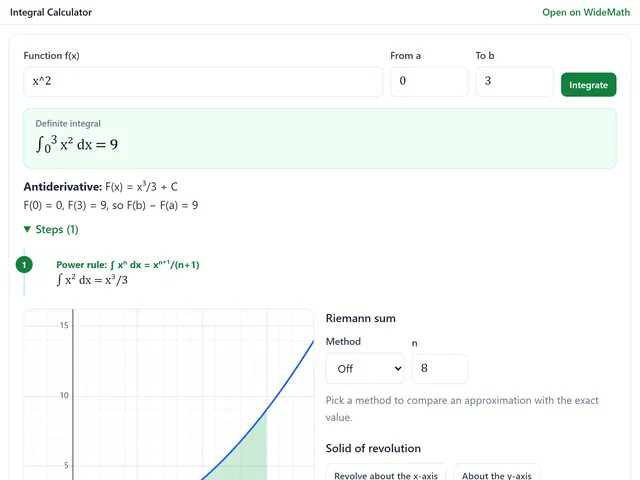
Integral Calculator
Definite integrals with the area shaded, Riemann sums and volumes of revolution in 3D.
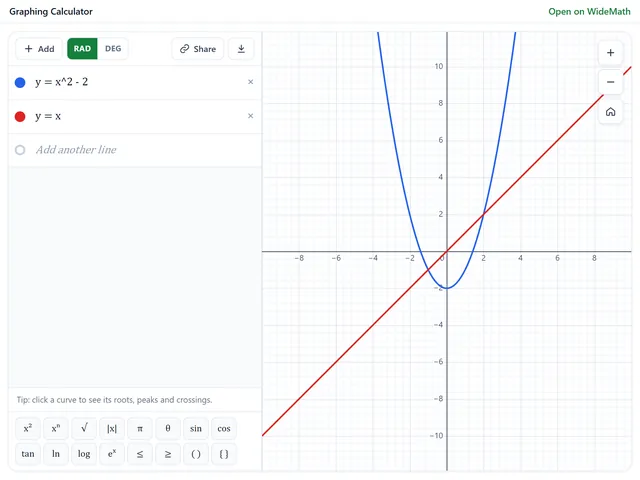
Graphing Calculator
Plot functions, inequalities, polar curves and sliders, and open your own graph from a link.
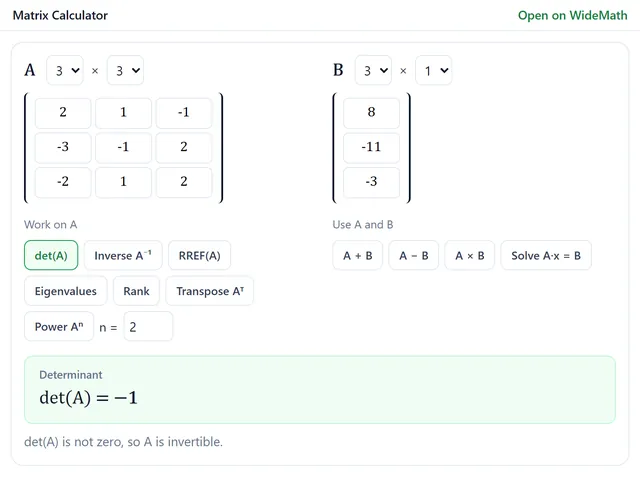
Matrix Calculator
Exact-fraction determinants, inverses, RREF and eigenvalues up to 6 × 6, with every row operation.