What your readers can do with it
The integral calculator takes a function and two limits and gives the value to about 12 digits, a tidy form such as π when it recognises one, and a graph with the area shaded. When it finds an antiderivative it checks it by differentiating it back, lists the rules used, and shows F(b) − F(a). When it cannot, it says so and gives the numeric value, which is the honest answer for a function like e^(−x²), whose antiderivative is not an elementary function.
- Improper integrals: type
infor-infas a limit. A divergent integral is reported as divergent. - Riemann sums: left, right, midpoint, trapezoid or Simpson, with n from 1 to 500. The rectangles are drawn and the error against the exact value is shown.
- Volumes of revolution about the x-axis or the y-axis, with a 3D solid readers can rotate.
The double integral panel on the full page is not part of the widget; the frame holds the single-variable tool only.
Where it fits
The Riemann sum controls make it a strong companion to a lesson on the definition of the integral: ask readers to raise n from 4 to 50 and watch the error shrink. It also suits a page on the disk and shell methods, where the 3D solid shows the shape that the formula is measuring, and an AP Calculus or first-year revision blog where students check their definite integrals.
Suggested size
The default frame is 840 px high and up to 960 px wide. That shows the inputs, the result, the antiderivative steps and the top of the graph and Riemann panel, and the rest scrolls inside the frame. If your lesson is about Riemann sums or solids, 1,100 px keeps the graph and the controls in view together. On a phone the tool stacks to about 1,170 px.
What it opens on
The widget opens on the integral of x² from 0 to 3, already solved: the value 9, the antiderivative x³/3 and the area shaded under the curve. It does not read a function or limits from its address yet, so a link cannot open it on your own problem. Give readers the problem in words beside the frame instead, for example: "Change the function to sin(x) and the upper limit to pi. Is the area what you expected?" The answer, 2, appears as they type.
Two typing notes for your readers: ln(x) is the natural log and log(x) is base 10, and limits may be expressions such as pi/2.
Add it in three steps
- Choose a height for your lesson and press Copy embed code.
- Paste the code into an HTML block on the page: Custom HTML in WordPress, the HTML editor in Canvas or Blogger's HTML view.
- Under the widget, give one function to try and one question to answer about its graph.
Frequently asked questions
Does the integral widget show steps?
Yes, when it can verify an antiderivative: it lists the rules used and works out F(b) − F(a). When no antiderivative can be confirmed, it says so plainly and gives the numeric value instead of guessing.
Can it show Riemann sums?
Yes. Readers choose left, right, midpoint, trapezoid or Simpson and a number of strips from 1 to 500, and the widget draws the rectangles and shows the sum, the exact value and the error.
Can I make it open on my own integral?
Not yet. It always opens on x² from 0 to 3. Write the integral you want next to the widget and readers can type it in a few seconds.
More calculator widgets
Want the explanations and worked examples as well? They are on the full Integral Calculator page. All 24 widgets, each with a Copy code button, are in the calculator widget gallery.
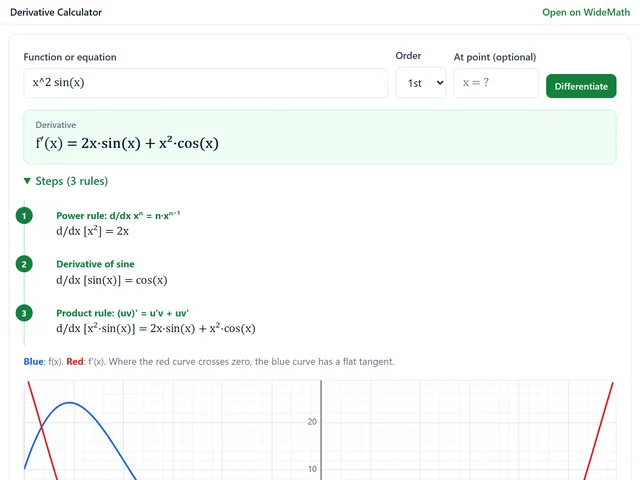
Derivative Calculator
Derivatives with every rule named, higher orders, partials, implicit dy/dx and tangent lines.
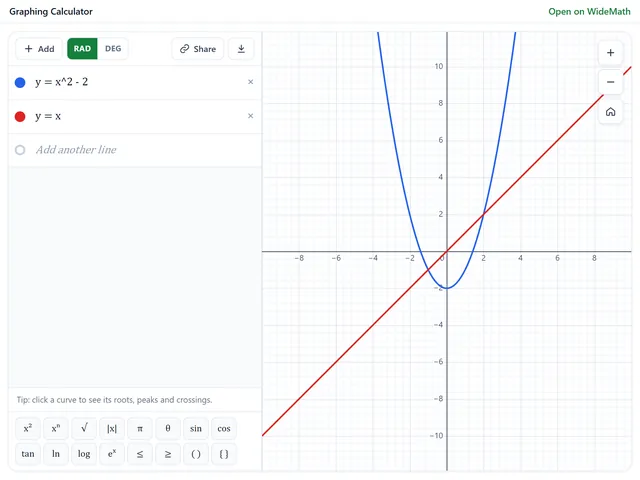
Graphing Calculator
Plot functions, inequalities, polar curves and sliders, and open your own graph from a link.
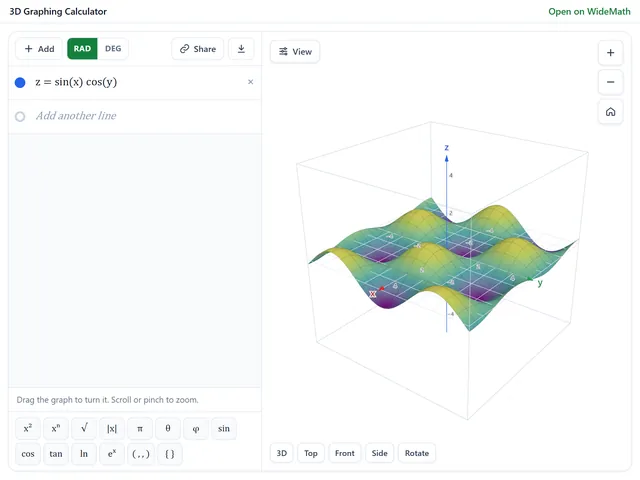
3D Graphing Calculator
Surfaces, space curves and vector fields in a 3D box readers can rotate and zoom.