What your readers can do with it
Uncertainty is the part of a lab report students dread, because the partial derivatives get long and one sign error spoils the result. The error propagation calculator writes out the working the way a marker wants to see it:
- the formula as it was understood, then the value ± the combined standard uncertainty, rounded to the right number of figures;
- every partial derivative with the measured values substituted, and the quadrature sum;
- each input's share of the uncertainty, which tells students which measurement to improve;
- uncertainties as absolute values or percentages, correlated inputs, a worst-case bound and a Monte Carlo check.
It uses first-order propagation as described in the GUM and NIST Technical Note 1297.
Where it fits
Lab handbooks are the natural home: embed it at the end of each experiment's write-up instructions, opened on that experiment's formula. Students then fill in their own readings instead of retyping the formula. It also suits a page that teaches the shortcut rules (add relative uncertainties in quadrature for products), because the widget shows when the shortcut and the full method agree.
Suggested size
The default frame is 1,200 px high and up to 960 px wide. That shows the formula, the inputs, the result and the summary cards. The contribution table and the full working add another 700 px or so, and the frame scrolls to them. For a lab handbook where the working matters, 2,000 px shows it all at that width. On a phone the tool is close to 2,900 px tall, so the frame will scroll there whatever you choose.
Open it on an experiment's formula
The formula goes in f, and each quantity gets its own parameter: value, uncertainty, unit. This link sets up the density of a metal cylinder from its mass, diameter and height:
https://widemath.com/embed/error-propagation-calculator/?f=rho=4m/(pi%20d^2%20h)&m=52.36,0.05,g&d=2.540,0.005,cm&h=3.82,0.01,cm&unit=g/cm^3
The widget reports ρ = (2.705 ± 0.013) g/cm³ and points out that the diameter contributes 67% of the variance, because d is squared in the formula. That one line is often the most useful sentence in a student's discussion section. Add &mc=1 to open the Monte Carlo check as well.
Add it in three steps
- Write the link for your experiment (or copy it from the full page with Copy link), load it here and press Copy embed code.
- Paste the code into the experiment's page in your learning management system or lab site.
- Tell students to replace the sample readings with their own, and to keep units consistent across the inputs.
Frequently asked questions
How does the widget round the answer?
By default it rounds the uncertainty to one significant figure, or two when it starts with 1, and the value to the same decimal place. Readers can switch to two figures or the PDG rule.
Can an uncertainty be a percentage?
Yes. Switch a row to % for readings such as a meter's ±0.5% of reading. In a link, end the uncertainty with a percent sign, as in L=1.000,0.2%.
Does it convert units?
No. Units are labels only, so students must enter every input in a consistent set of units. The note at the bottom of the widget says the same.
More calculator widgets
Want the explanations and worked examples as well? They are on the full Error Propagation Calculator page. All 24 widgets, each with a Copy code button, are in the calculator widget gallery.
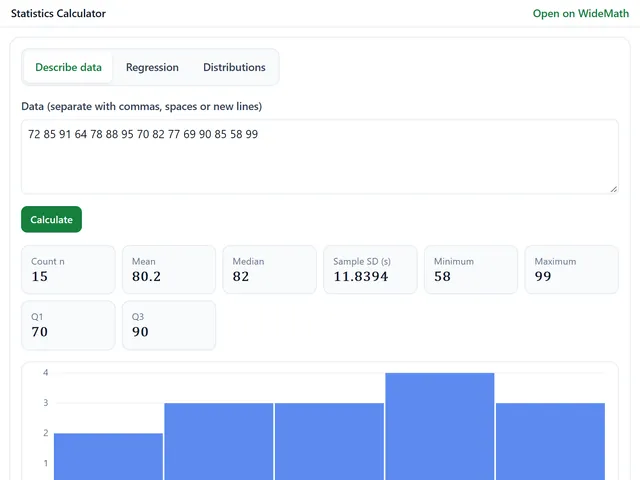
Statistics Calculator
Mean, SD, quartiles, regression with R², and normal, t, chi-square and F probabilities.
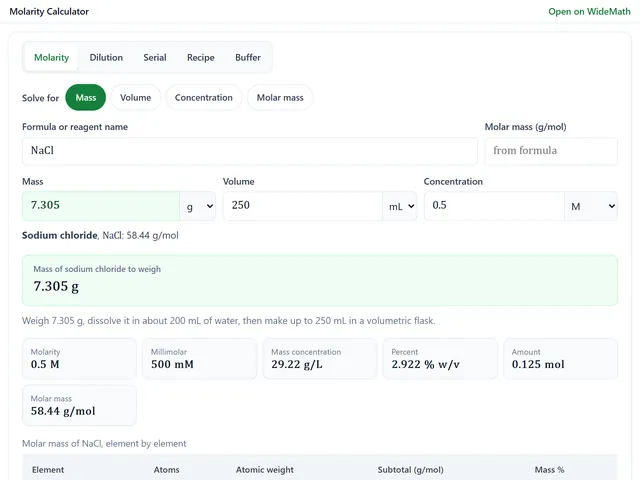
Molarity Calculator
Grams to weigh from a formula, dilutions, serial dilutions, recipes and buffers at a pH.
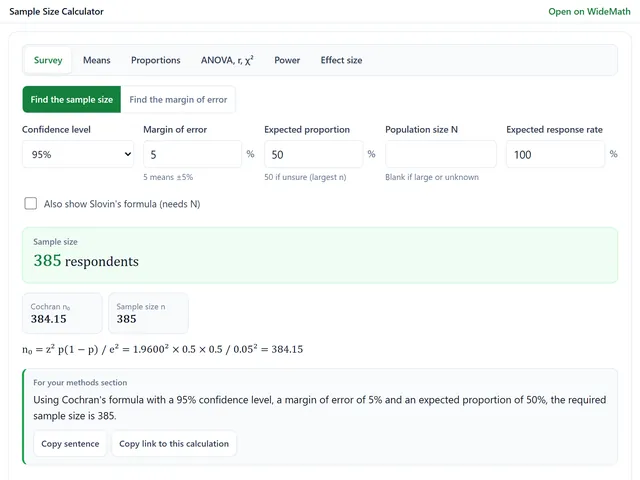
Sample Size Calculator
Survey sample sizes and power analysis for t-tests, ANOVA, proportions and chi-square.