What your students can do with it
Nursing programmes teach dosage calculation by different methods, and a student who learned dimensional analysis is no help to one who learned desired over have. The nursing dosage calculator shows all three side by side: desired over have (D/H × Q), ratio and proportion, and dimensional analysis. It has four tabs:
- Dose: tablets, capsules and liquids, unit conversions such as g to mg and mcg to mg, and weight-based orders in mg/kg per dose or per day.
- IV rates: mL/hr, drops per minute with the tubing's drop factor, infusion time, mcg/kg/min and units/hr.
- Practice: generated problems by type; students answer, press Check and read the solution worked three ways.
- Alligation and C₁V₁ = C₂V₂ for pharmacy maths.
A Rounding rules panel lets students match their course, such as millilitres to tenths and tablets to halves. Units and mEq are never converted to grams: if an order and a label disagree, the tool says so instead of guessing.
Where it fits
A nursing school can embed it in the pharmacology course shell, next to the dosage calculation competency practice. NCLEX prep blogs can open it on the Practice tab under a post on drip rates, and a pharmacy technician programme can use the Alligation tab beside its compounding module.
Suggested size
The default frame is 1,130 px high and up to 960 px wide, which shows the inputs, the answer and the first method's working. The other two methods follow and scroll inside the frame. On a phone the tool is about 1,290 px tall, so a height of 1,300 px shows a whole problem there.
Open it on an IV drip rate
This link opens the IV rates tab for 1,000 mL over 8 hours on 15 gtt/mL tubing:
https://widemath.com/embed/nursing-dosage-calculator/?tab=iv&iv=gtt&vol=1000&hrs=8&df=15
The widget answers 31 gtt/min. It shows the exact value, 31.25, and explains the rounding to a whole drop, then works it with the formula and with ratio and proportion. For a practice set, ?tab=practice&type=weight&seed=42 opens the same weight-based problem for every student.
Add it in three steps
- Load the drip rate or keep the default dose problem, then press Copy embed code.
- Paste the code into your course page in Canvas, Moodle or Blackboard through the HTML editor.
- Remind students that it is for learning: in practice they follow their facility's protocols.
Frequently asked questions
Can nurses use this widget for real doses?
No. It is for learning and for checking dosage calculation practice, not for clinical decisions. The widget prints that note under the tool: follow your facility's protocols and confirm doses with a pharmacist or prescriber.
Which methods does it show?
All three common ones for every problem: desired over have, ratio and proportion, and dimensional analysis, one after the other.
Can every student get the same practice problem?
Yes. Add a problem type and a seed number to the link, such as tab=practice&type=weight&seed=42, and the same problem opens for everyone.
More calculator widgets
Want the explanations and worked examples as well? They are on the full Nursing Dosage Calculator page. All 24 widgets, each with a Copy code button, are in the calculator widget gallery.
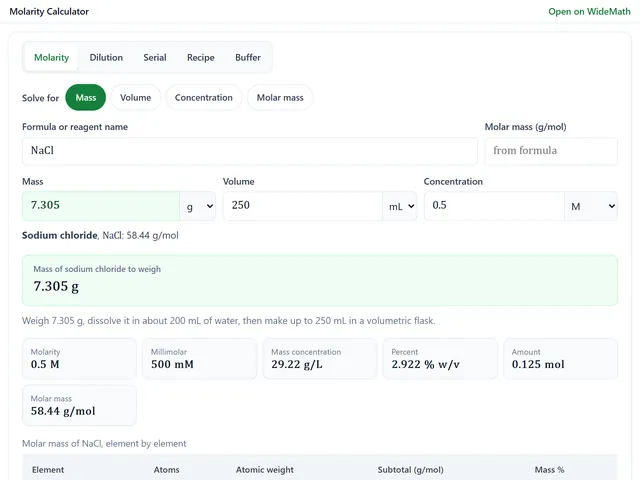
Molarity Calculator
Grams to weigh from a formula, dilutions, serial dilutions, recipes and buffers at a pH.
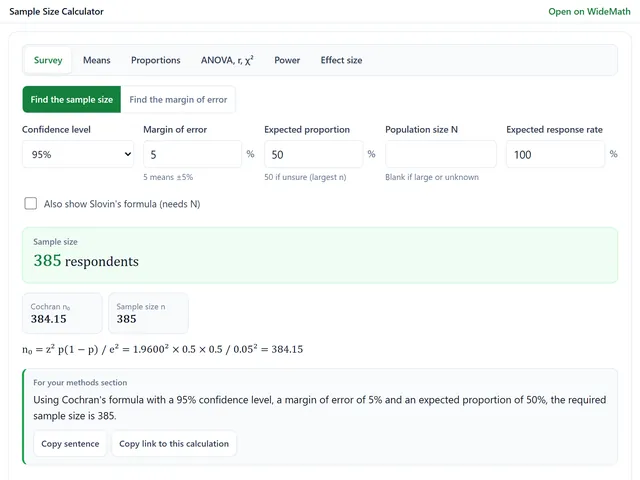
Sample Size Calculator
Survey sample sizes and power analysis for t-tests, ANOVA, proportions and chi-square.
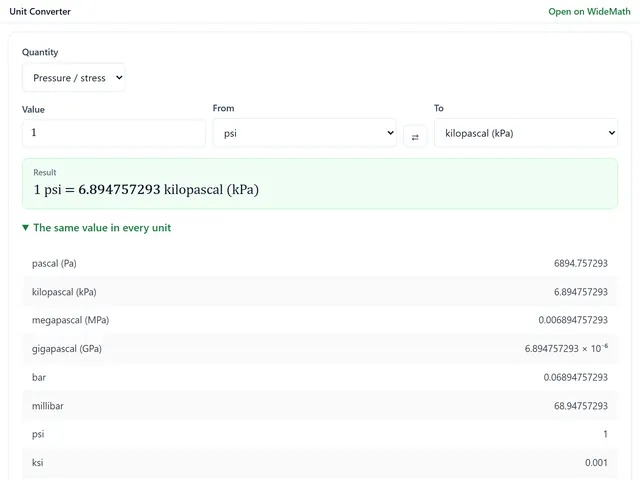
Unit Converter
19 engineering quantities, every unit at once, and a free-form box for compound units.