What your readers can do with it
This is the same calculator that opens at the top of the WideMath scientific calculator page, without the page around it. The keys sit in the Casio-style order of the calculators many schools use, with SHIFT and ALPHA functions printed above each key, so a key sequence a student practises here carries over to the calculator on their desk.
- Exact answers. Fractions stay as fractions: 3/8 + 5/12 gives 19/24, not 0.7916666667. The S⇔D key switches the answer to a decimal and back.
- Eight modes behind the MODE key: everyday calculation, complex numbers, statistics, base-N, equations, matrices, tables and vectors.
- Calculus keys for a derivative at a point and a definite integral, and a DEG button that shows the angle unit at a glance.
Where it works best
The widget is narrow on purpose. At 460 px it sits beside a worksheet, a past paper or a lesson without pushing the text aside, which suits a maths department page, a physics revision blog or a Moodle course where students check each answer as they go. A line such as "Work it by hand, then check it here" under each exercise gets more use than a calculator buried on a separate page.
Suggested size
The default frame is 760 px high and up to 460 px wide, which shows the whole keypad and display with no scroll bar inside the frame. On a phone the width shrinks to the screen and the keys stay large enough to tap. Keep it at least 360 px wide; below that the keys get cramped. There is no reason to make it taller, because the calculator does not grow after a calculation.
Open it with a sum already worked out
Add ?q= and an expression to the address in the code, and the widget opens with that expression typed in and solved. This one shows the fraction sum from the first example above:
https://widemath.com/embed/scientific-calculator/?q=3/8+5/12
The display reads 3/8+5/12 on the top line and 19/24 underneath, which is a quick way to show students what a correct fraction answer looks like before they try their own.
Add it in three steps
- Press Copy embed code above. Change the height or width first if your page needs it.
- Paste the code into a Custom HTML block in WordPress, an Embed code box in Google Sites, or the HTML view of a Moodle page.
- Publish, then press a few keys on the live page to check that the whole keypad shows.
Frequently asked questions
Is this the same as a Casio calculator?
It follows the Casio-style key order and modes, so key sequences carry over, but it is an independent design built by WideMath. It is not made or endorsed by Casio, and in an exam your students still use their approved handheld.
Can the widget open with an answer already on the screen?
Yes. Put ?q= and the expression at the end of the address inside the code, for example ?q=3/8+5/12. The widget types it in and shows the result as soon as it loads.
Will it fit in a sidebar?
Yes. The keypad is designed for a narrow column: the default maximum width is 460 px and it still works at 360 px. Set the width in the box above if your sidebar is narrower than that.
Does it keep fractions exact?
Yes. Answers stay as fractions and surds where possible, and the S⇔D key turns them into decimals. That makes it handy for fraction homework, where a decimal answer would hide the method.
More calculator widgets
Want the explanations and worked examples as well? They are on the full Scientific Calculator page. All 24 widgets, each with a Copy code button, are in the calculator widget gallery.
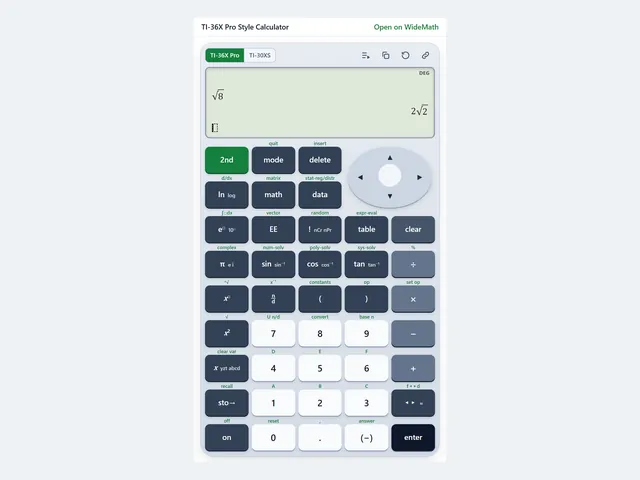
TI-36X Pro Style Calculator
FE exam keystrokes on a TI-36X Pro style keypad, with a TI-30XS MultiView switch.
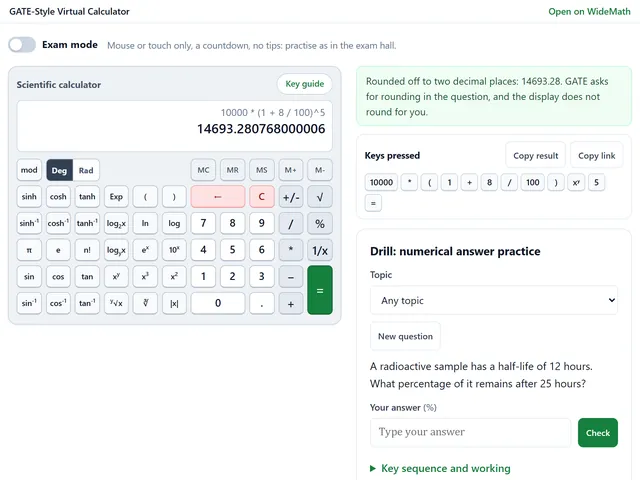
GATE-Style Virtual Calculator
The GATE exam's on-screen key order, with an exam mode and numerical answer drills.
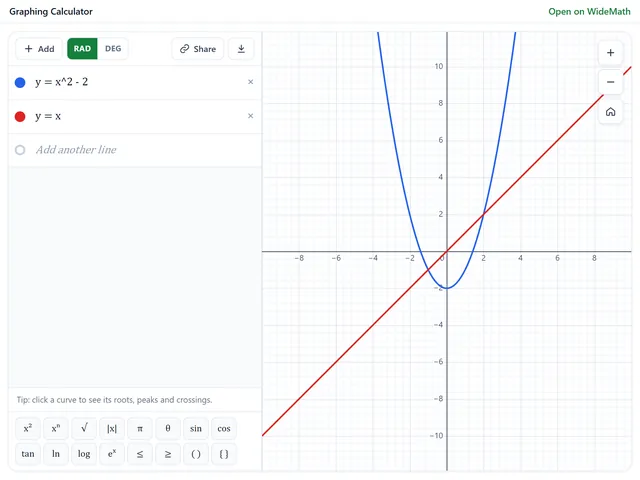
Graphing Calculator
Plot functions, inequalities, polar curves and sliders, and open your own graph from a link.